Image generation
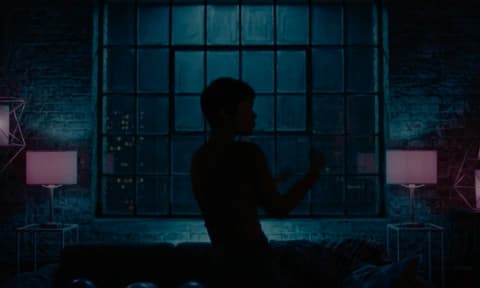
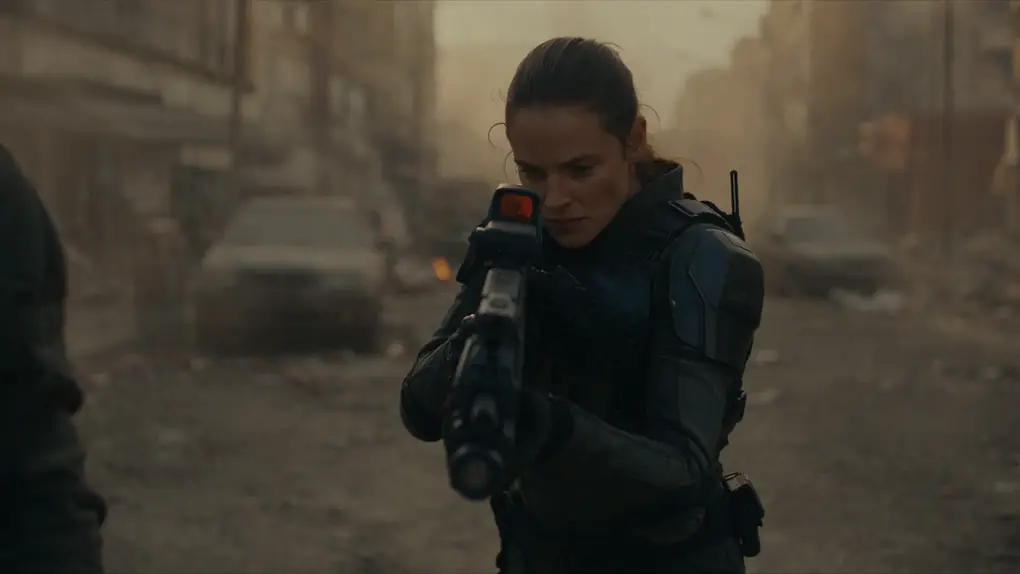
Text-to-image in 16:9, 9:16, or 1:1 - up to 4 variations per call. Condition on one reference image, or several labelled ones for character and style consistency.
Connect Dolphin AI to Claude, Cursor, or any MCP client. Images, video, long-form video, and speech - one URL away.
Connect once, generate from any conversation.
In the Claude app or on claude.ai, go to Settings → Connectors and choose Add custom connector.
Open Claude settingsClick Add Custom connector and paste the URL - https://mcp.trydolphin.ai/mcp
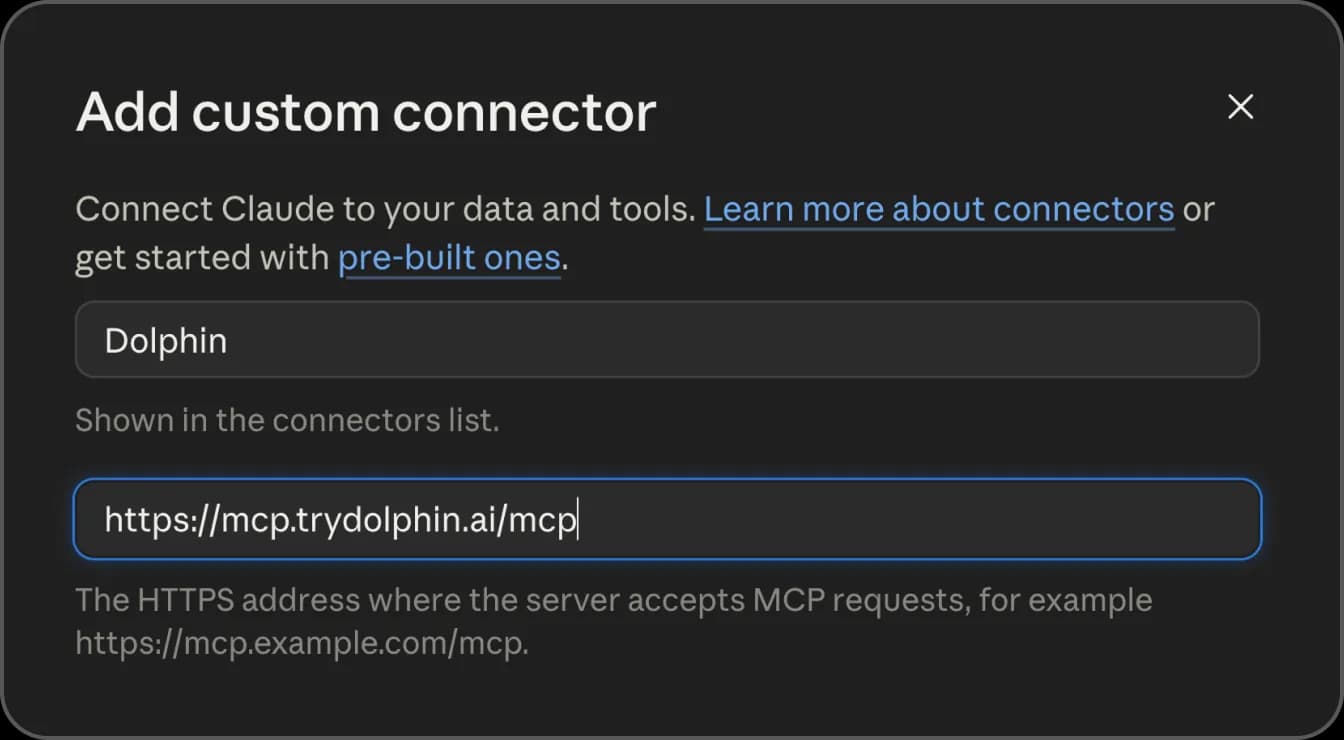
Authenticate with your Dolphin AI Studio account. Ask Claude to generate an image or video.
Your AI agent handles everything - model selection, polling, delivery.
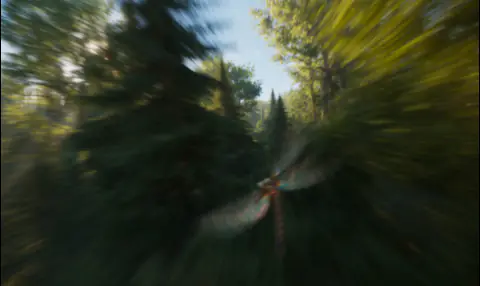
Generate a cinematic 16:9 video of a drone shot over a misty forest at sunrise, about 6 seconds.
Task registered with an ETA. The agent returns the finished clip as a downloadable URL.
Everything you need to generate media programmatically.
Text-to-image in 16:9, 9:16, or 1:1 - up to 4 variations per call. Condition on one reference image, or several labelled ones for character and style consistency.
Text-to-video and image-to-video with first/last frame control. 480p to 1080p. Most models run 4–10s, a few up to 15s.
One script, one reference image, one talking video - 30 seconds to several minutes, speech generated automatically. Always 9:16.
Any text, spoken - pick a voice from a full catalogue with previews, accents, and use-case labels.
Guide generation with labelled reference media - image for most models, plus video and audio on Seedance 2.0.
Register a task, get an ETA, poll for status - or skip the polling and get the finished asset back in one call.
Same credits, same workspace balance as Dolphin AI Studio. Check the cost upfront, or see it returned with the result.
Pin a default model and voice once - they persist across conversations, so calls that skip a model just work.
OAuth for web agents, API key for CLI. No credentials to manage in your prompts.
Via MCP (Model Context Protocol) — an open standard that lets AI agents call external tools. Add the server URL, authenticate, and your agent gets access to all generation tools.
Claude (web + desktop), Claude Code, Cursor, and any MCP-compatible client. Web agents sign in with your Dolphin AI account; CLI tools use an API key.
For Claude.ai — no. OAuth handles everything automatically. For Cursor or Claude Code, generate a key from Dolphin AI Studio under Settings → API Keys.
Same credit system as Dolphin AI Studio. Cost varies by model, resolution and duration. Your workspace credits work through any connected agent, and your agent can quote the cost of a job before running it.
Every job returns an ETA when it's registered, and your agent polls automatically. Images are usually the quickest; short video typically takes a few minutes and can sit queued before it starts; long-form video runs 10–20 minutes. Times vary by model, resolution and current load.
Images in 16:9, 9:16 or 1:1, up to 4 variations, with single or multi-reference conditioning. Short video from text or images, 480p–1080p, 4–15s depending on the model, with first/last frame control. Long-form 9:16 video from a script and a reference image. And speech from text in any of the available voices.
Yes. Pin a preferred image model, video model and voice once, and any call that omits them uses your choice. The preference persists across conversations until you change it.